A day in Pruuf.
Eleven screens from the app, in the order a day runs. They show sample accounts.
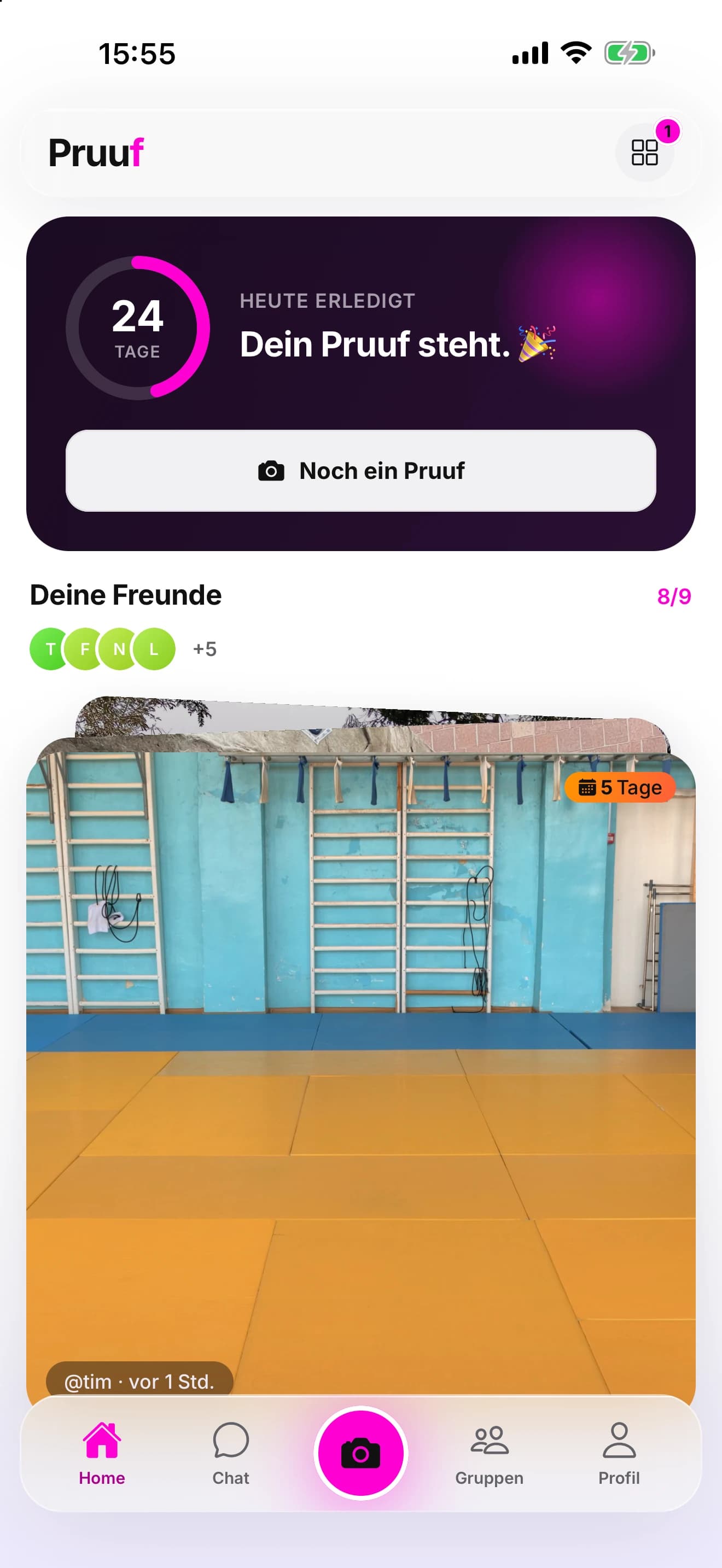
Open it, and see who showed up.
Home shows your streak, which friends have posted today, and their proofs. The first thing you see is what people actually did, not a list of boxes.
Take the proof.
The photo comes from the app’s own camera. There is no upload from the photo library. Add a line if you like, and it goes out with the time it was taken.
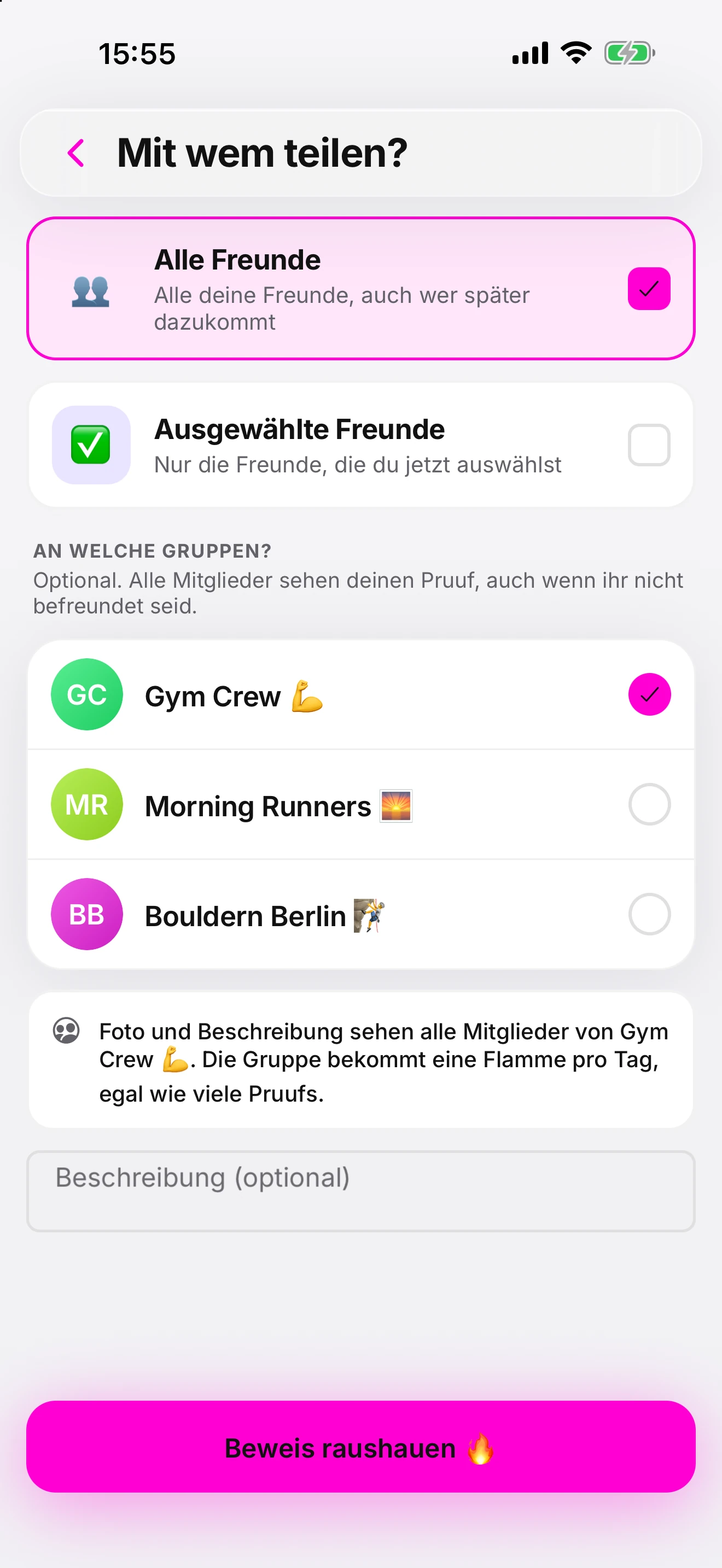
Decide who sees it.
Per proof: all your friends, a few you select, or only you. Give it to a group as well, and its members see it. New proofs cannot be made public.
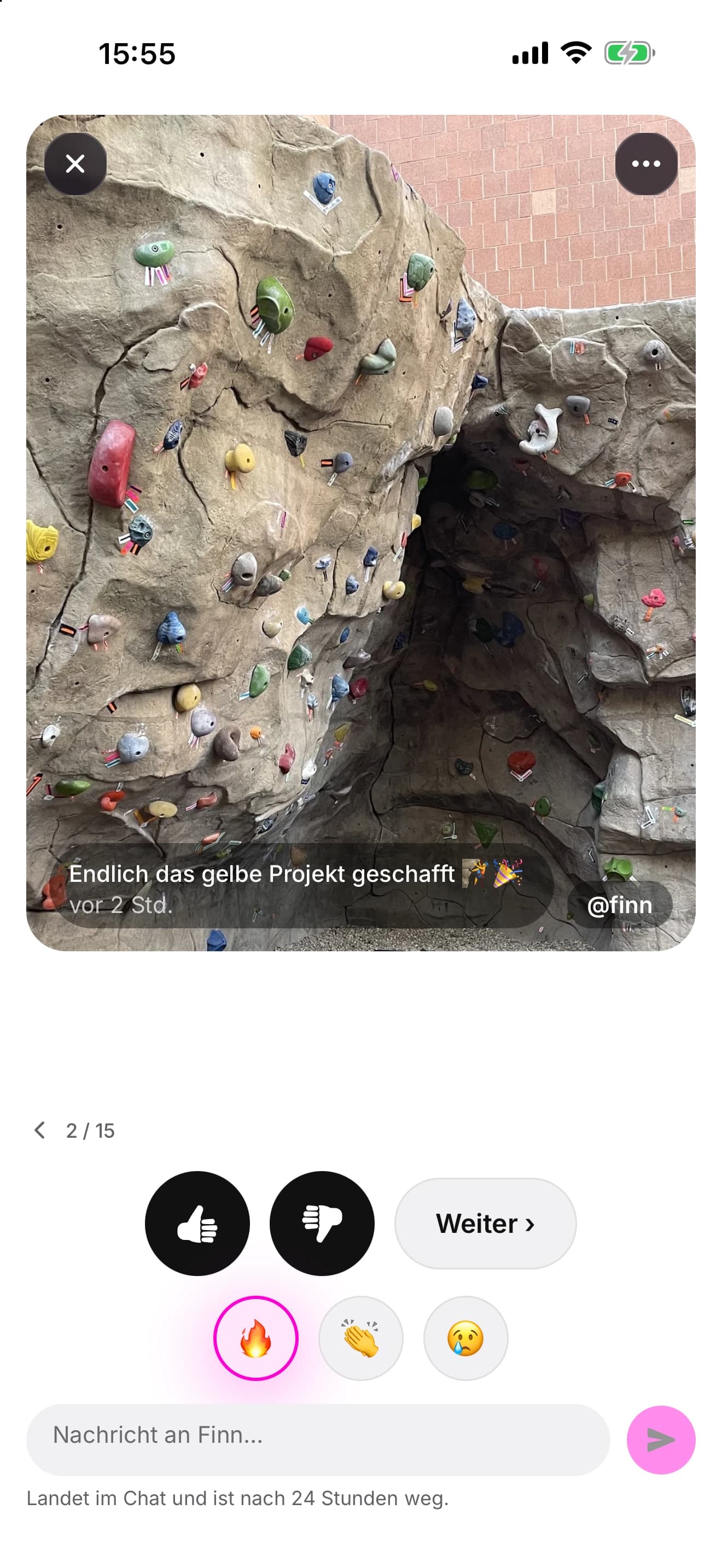
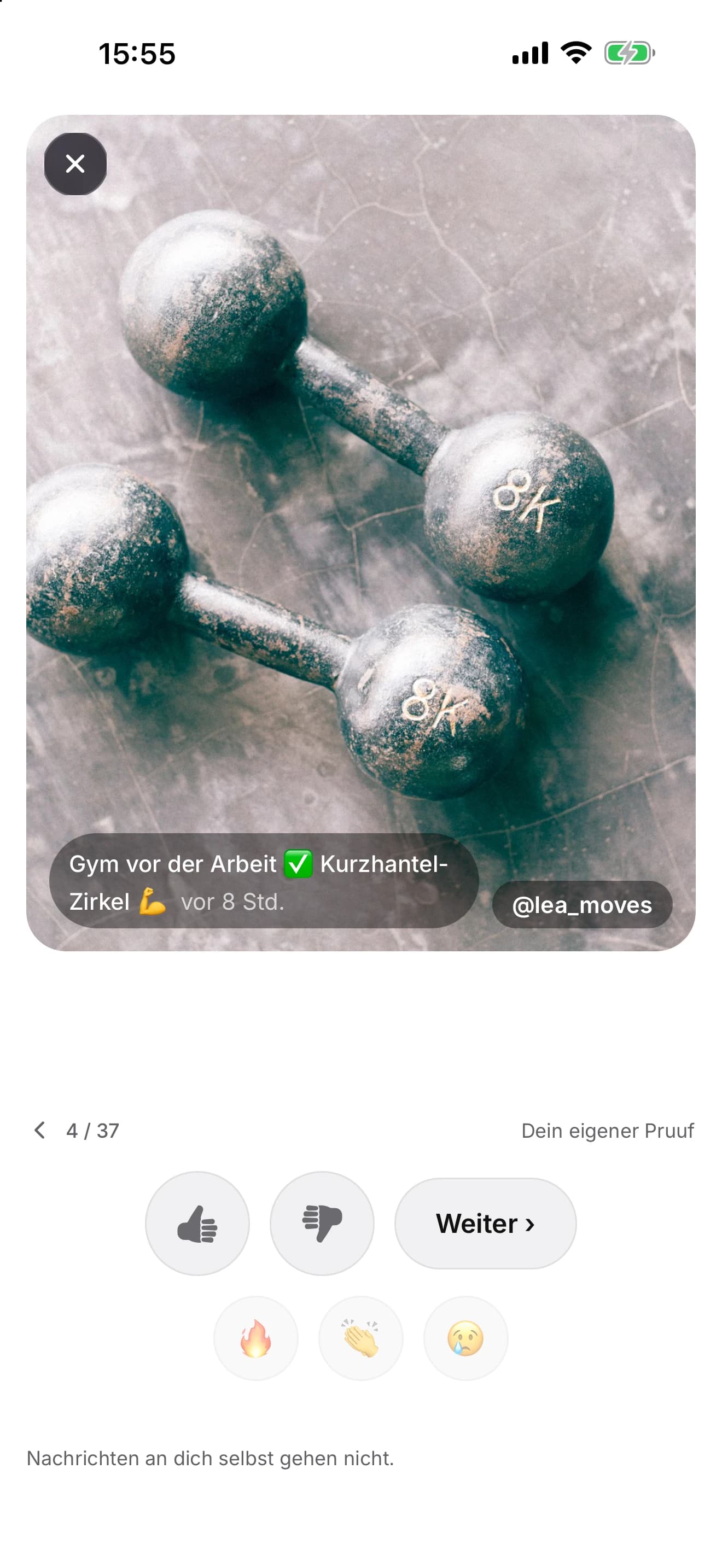
Friends react on the proof.
A thumbs up or down, or one of three emoji. A thumbs down reaches the person but never shows your name. A message written here lands in the chat.
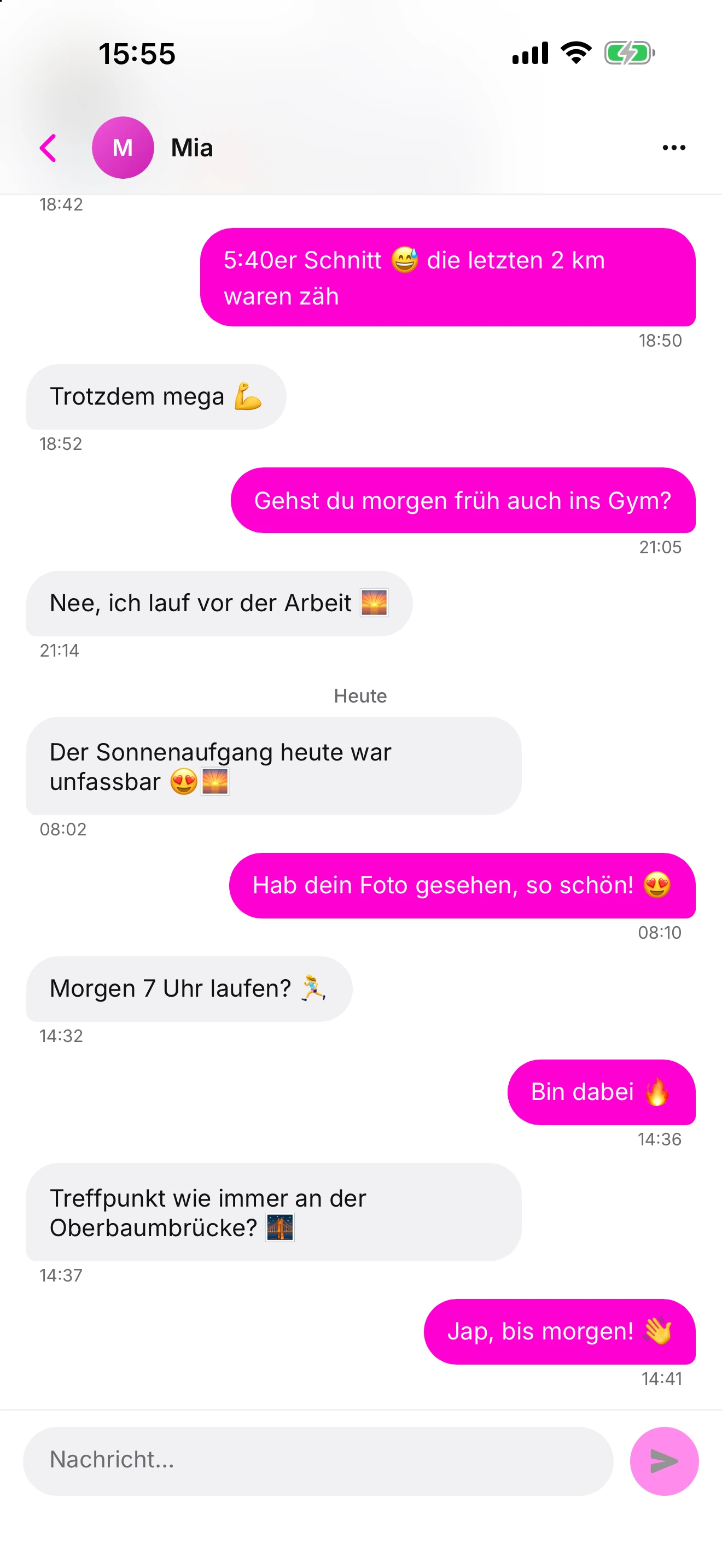
Talk about it, for a day.
Chat messages are deleted 24 hours after they are sent, so the conversation stays about today. Only a message the other person saves, or one that is reported, stays longer.
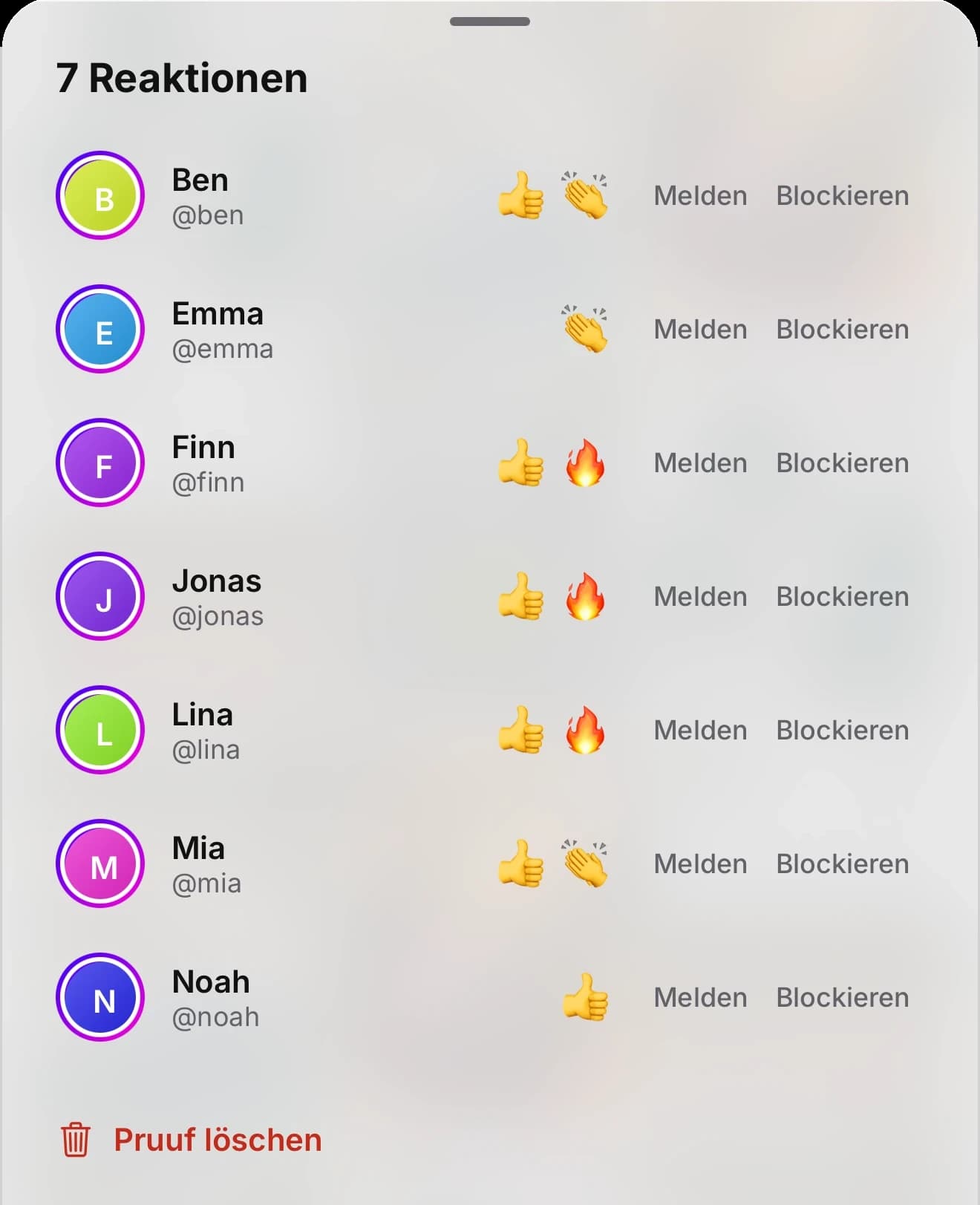
See who reacted.
On your own proof you see who left a thumbs up or an emoji. A thumbs down reaches you without a name. Report and block sit right beside each name.
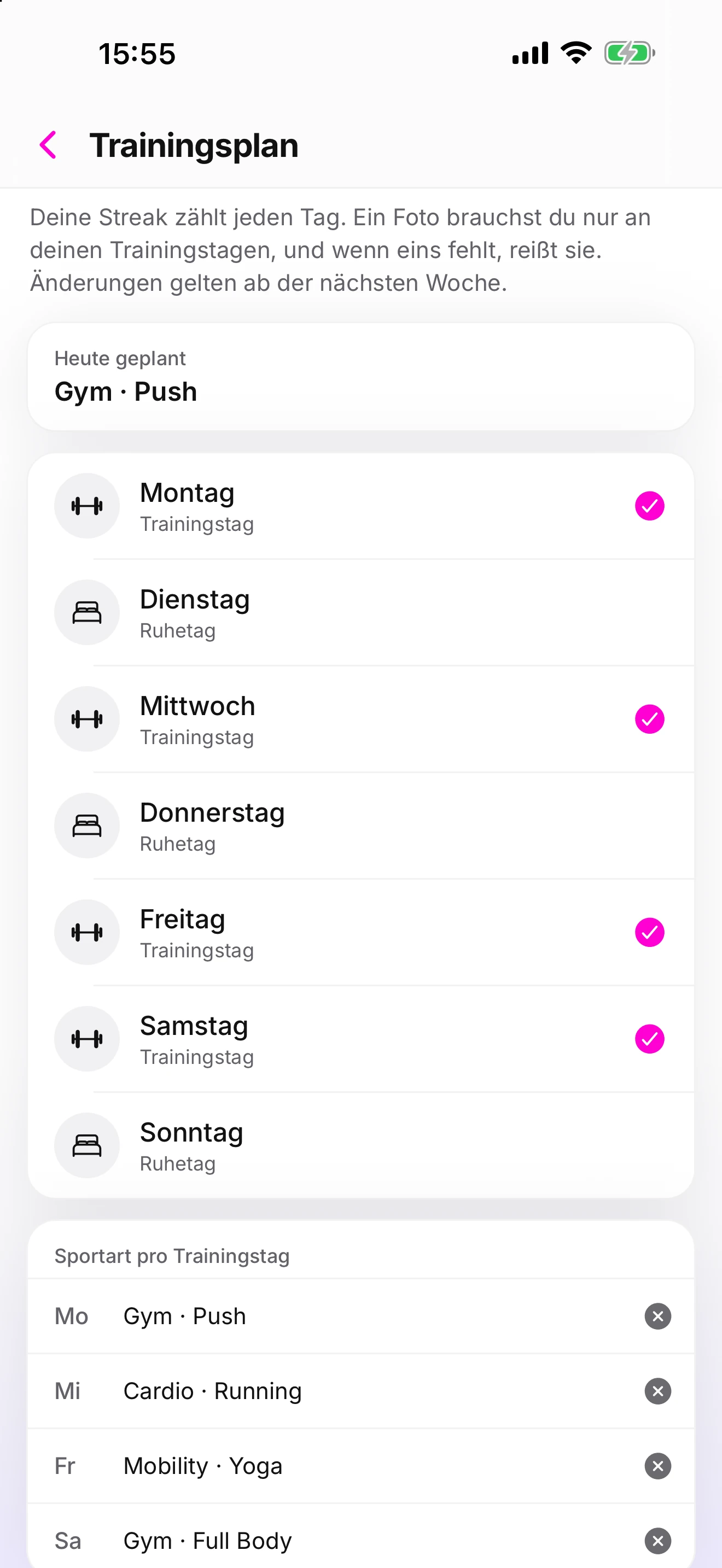
Set your plan.
Pick your training days and rest days, and a sport for each training day. A photo is only needed on training days. Changes apply from the next week.
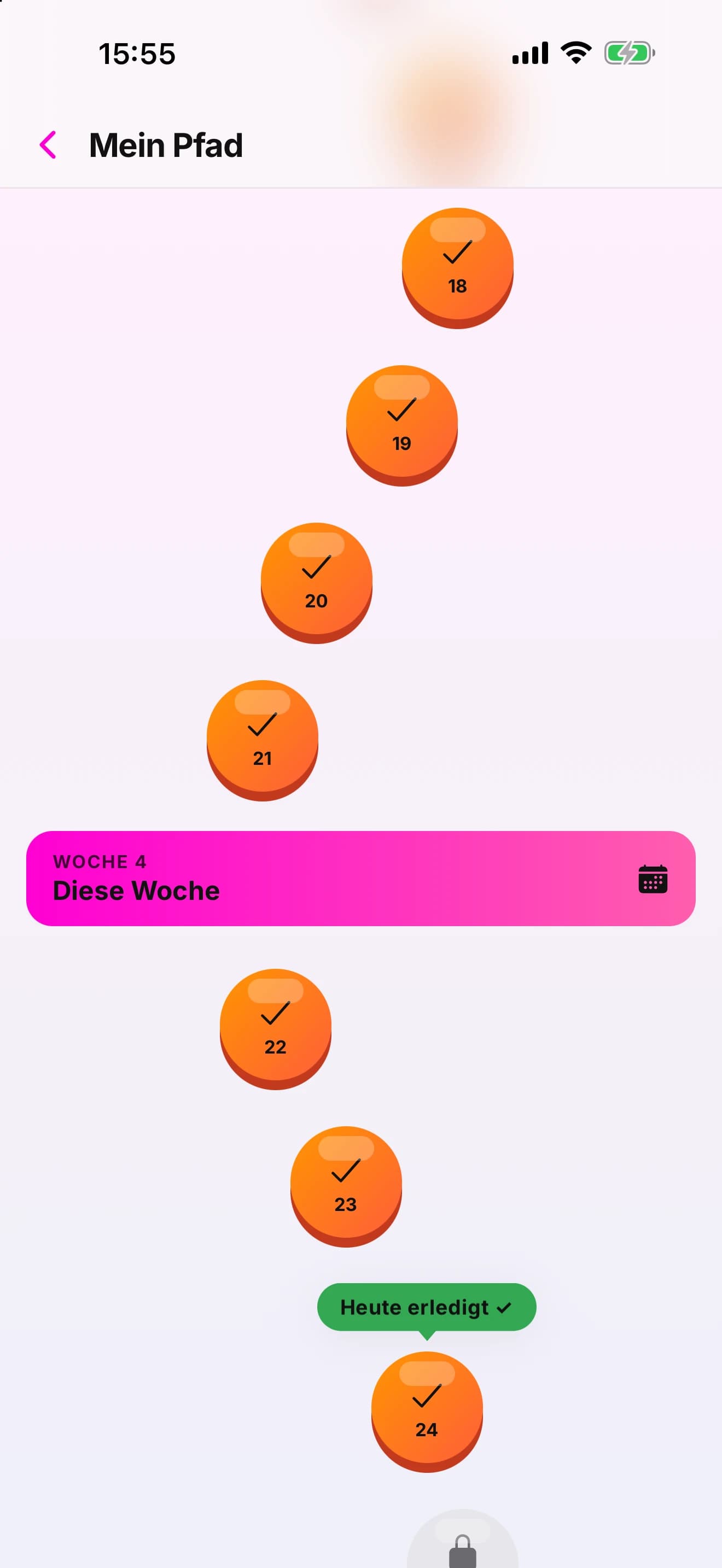
Walk your path.
Mein Pfad, your path, shows every day of the streak as a step, week by week, and marks today once it is done.
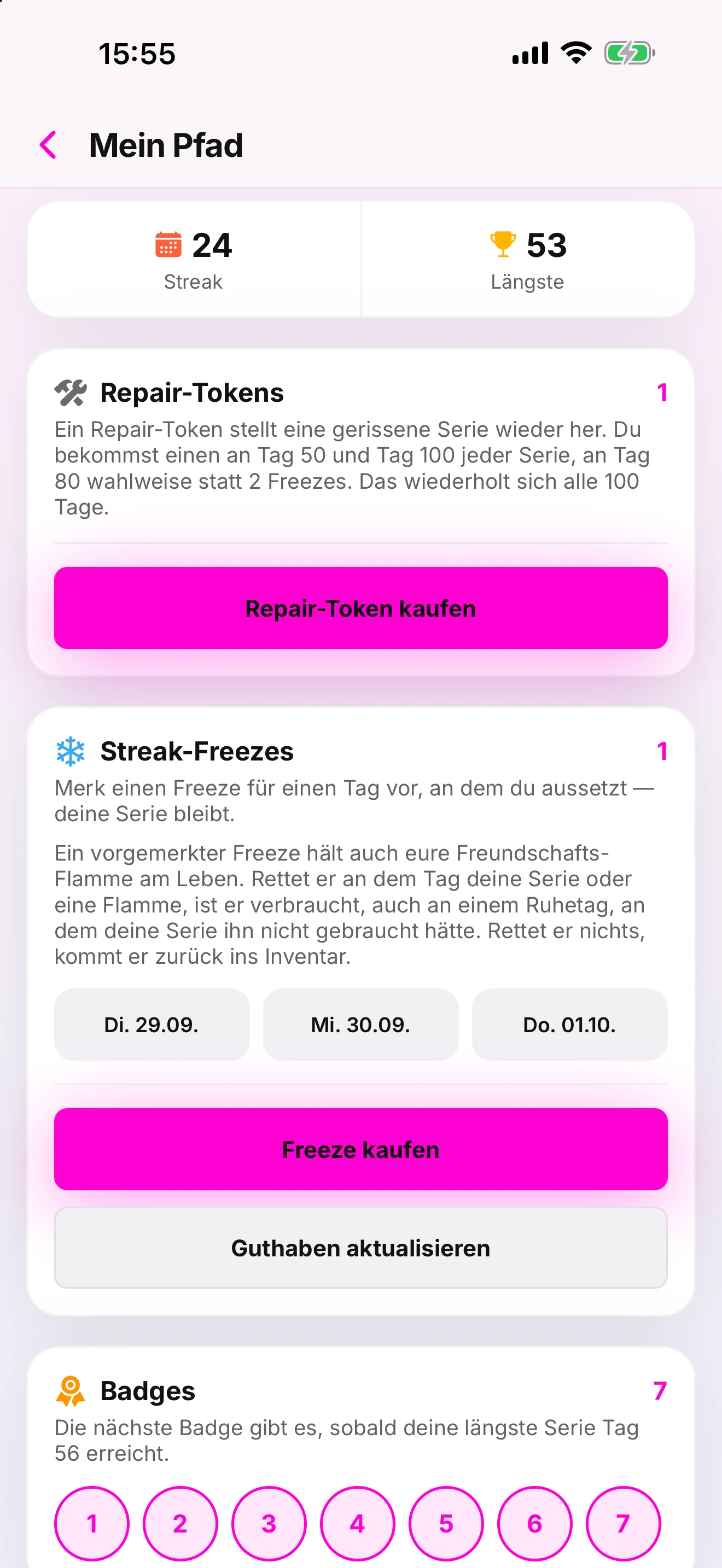
Miss a day. Keep the streak.
A Streak-Freeze, set aside for a day you skip, holds the streak. A Repair-Token restores one that broke. Both come with streak milestones or as a one-off purchase, and the badges further down are yours to collect.
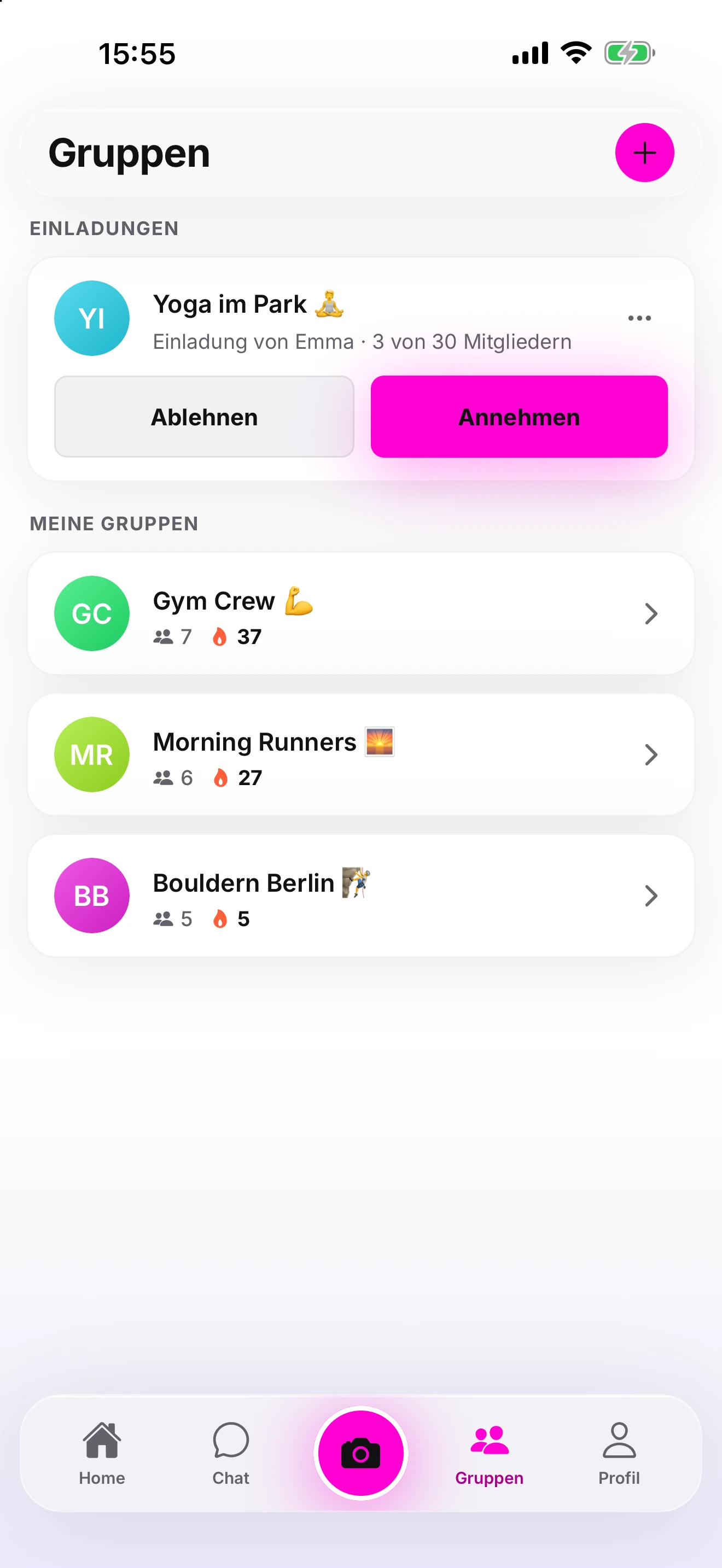
Join a group.
Groups are closed. You get in by invitation, which you accept or decline, and every group you are in is listed with its members and its flames.
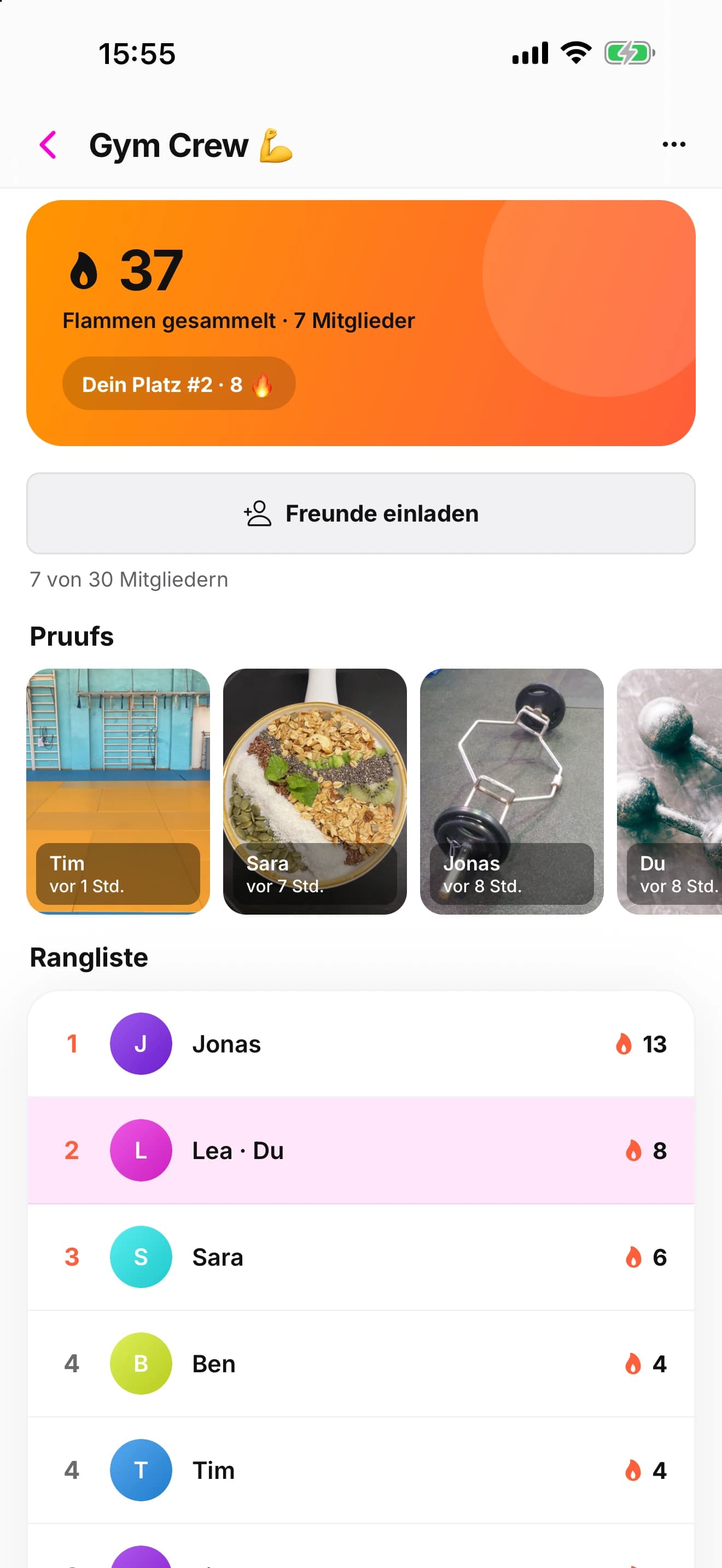
Count flames together.
Each member’s first proof of the day earns the group a flame. The group shows its members’ proofs and a ranking. Groups are free.